AI responses
Streamed answers grounded in your knowledge base, with a per-project AI model and instructions you control
When a visitor asks a question, the support agent answers directly in the widget — the reply streams in word by word, so the visitor starts reading immediately instead of watching a spinner. Every answer is grounded in what you've taught that project: its active knowledge sources plus your instructions.
Grounded in your knowledge
Each response is built from the project's active knowledge sources — website pages, text snippets, and Q&A pairs — together with the project's instructions. Sources you deactivate stop informing answers right away, and new sources apply to the next response as soon as they're ready.
The models the agent runs are all web-search-capable, so it can also search the web when a question calls for it — but your own sources are what anchor its answers about your product.
Choosing a model
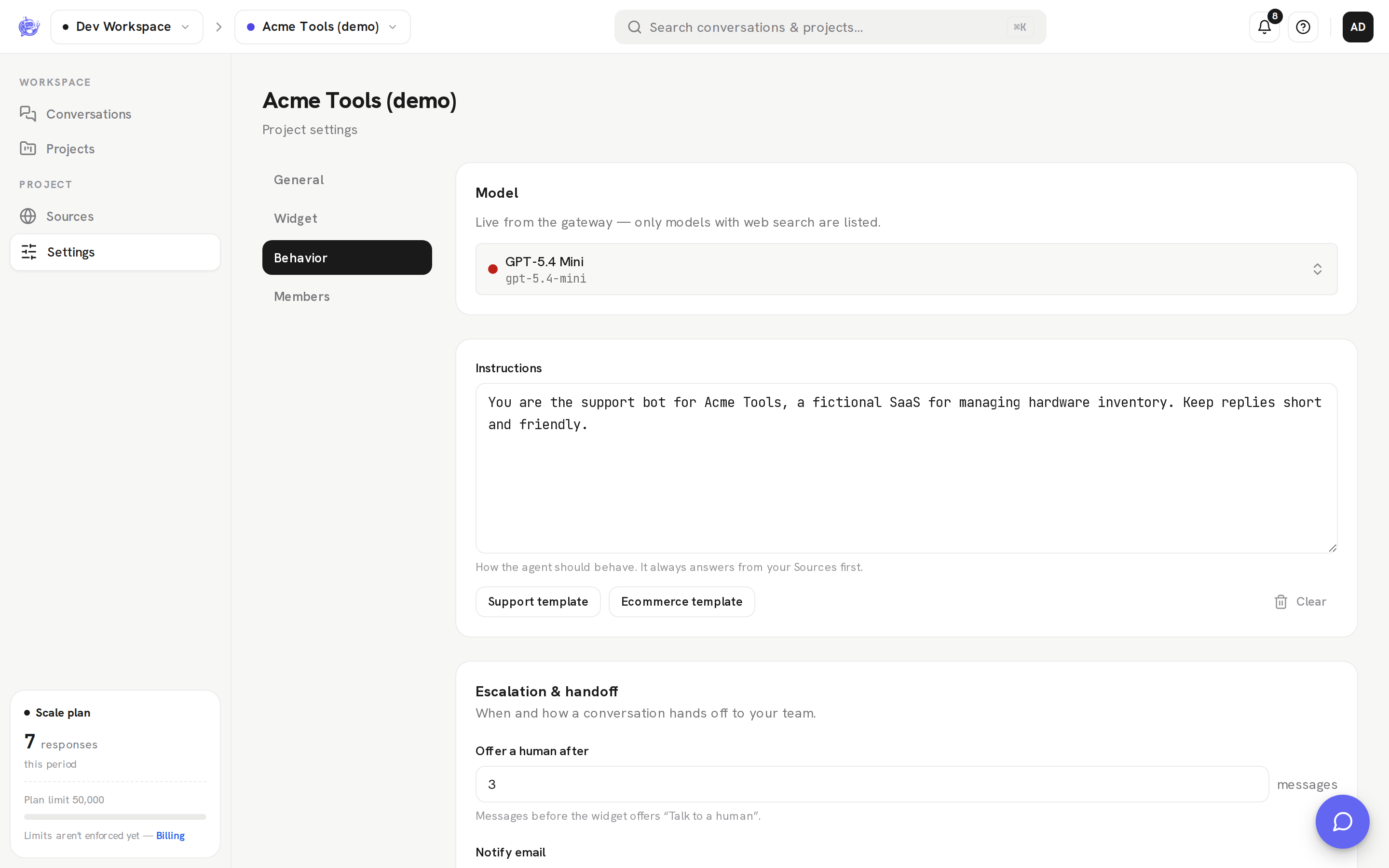
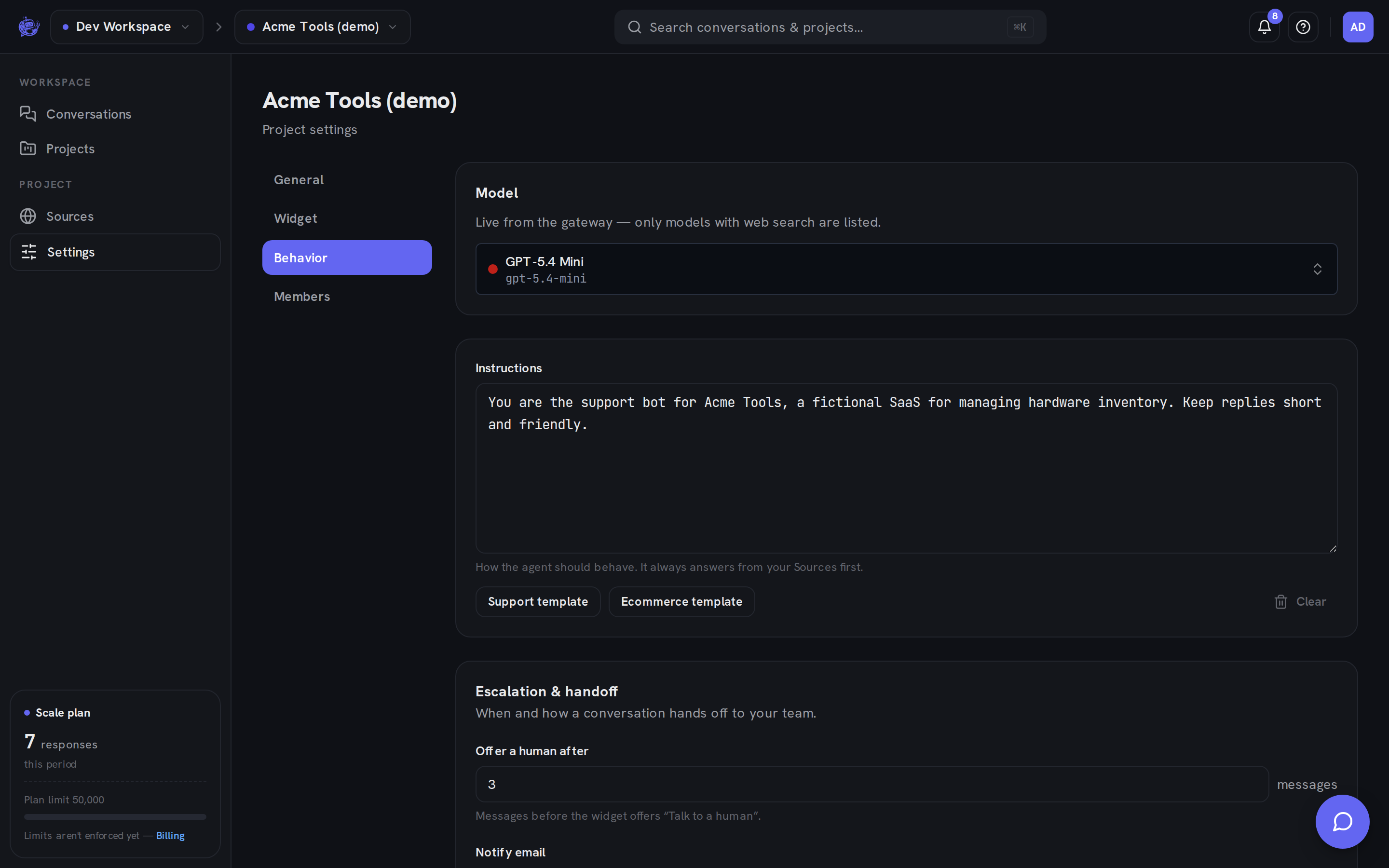
Every project picks its own AI model from a curated set of web-search-capable models. The default is gpt-5.4-mini, and you can change it per project — so a high-traffic marketing site can run a lighter model while your flagship product runs a stronger one.
Model access follows your plan:
- Starter — the lighter "basic" model class (mini, nano, haiku, flash, lite, and small-class models).
- Growth and Scale — the full catalog.
See Pricing for the full plan comparison. If a plan change ever leaves a project saved on a model its plan no longer includes, the agent quietly falls back to the default model instead of going offline — your widget keeps answering.
Instructions
Instructions are the project's system prompt: the agent's tone, focus, and boundaries. The agent answers from your sources first; instructions shape how it answers.
Making it yours
Two widget settings shape the first impression of every conversation:
- Welcome message — the greeting the visitor sees when they open the widget.
- Brand color — applied to the widget so it matches your site.
Both are set per project, alongside the install snippet and a live preview.
When the agent can't help
The agent doesn't answer forever. After a configurable number of visitor messages — or immediately, when the visitor asks for a person — the widget offers Talk to a human. From there the conversation hands off to your team and the agent stands down. See Escalation for how the handoff works.
Where to configure it
Model, instructions, welcome message, and brand color all live in the project's settings tabs in the dashboard — see Project settings for a walkthrough.