Team inbox
Every conversation from every widget, in one shared inbox your whole team works from
Every conversation your support agents handle — across every project in your workspace — lands in one shared inbox at app.clankersupport.com. Your team triages, replies, and closes conversations from a single place; nothing lives in a visitor's browser tab or a teammate's private queue.
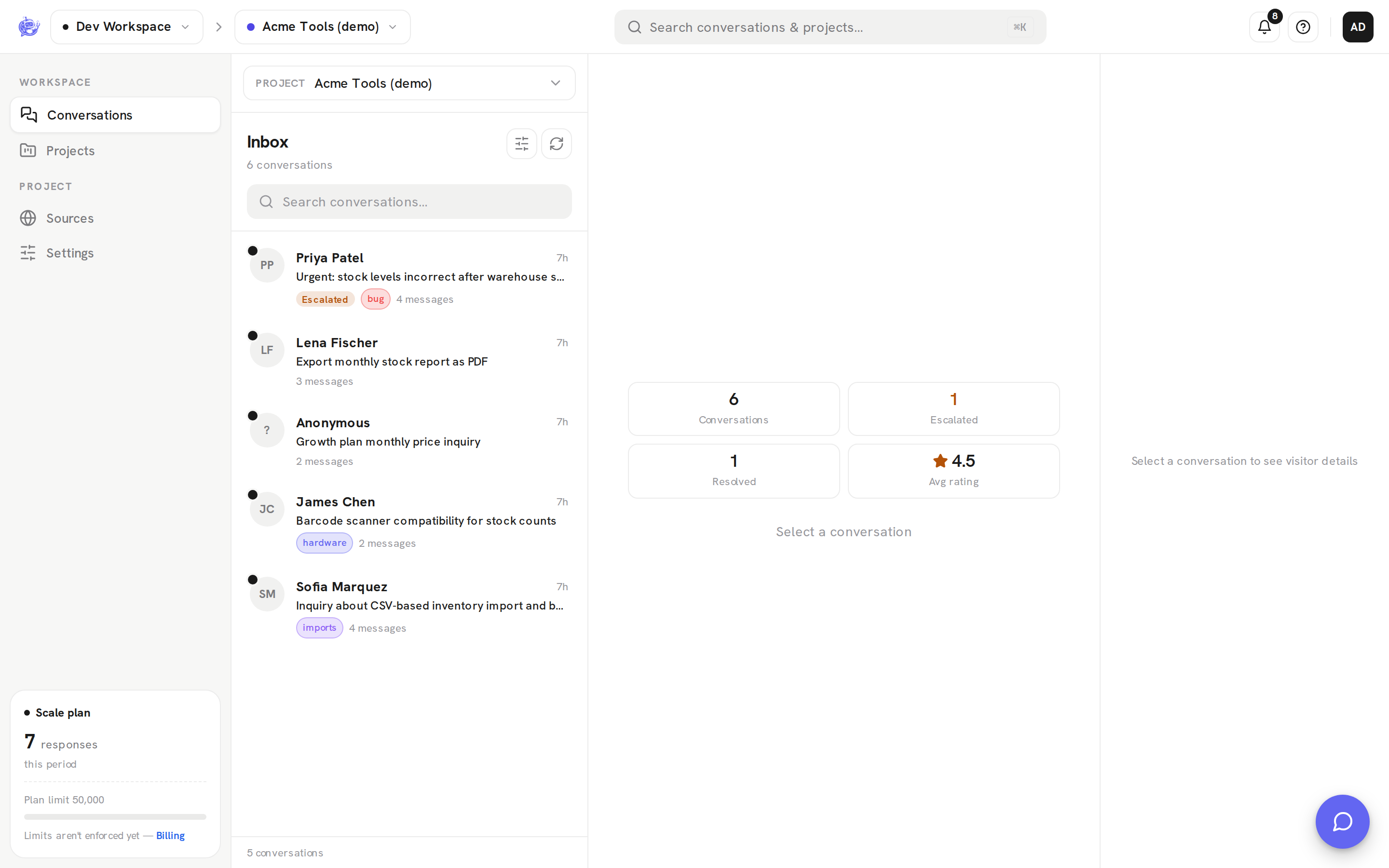
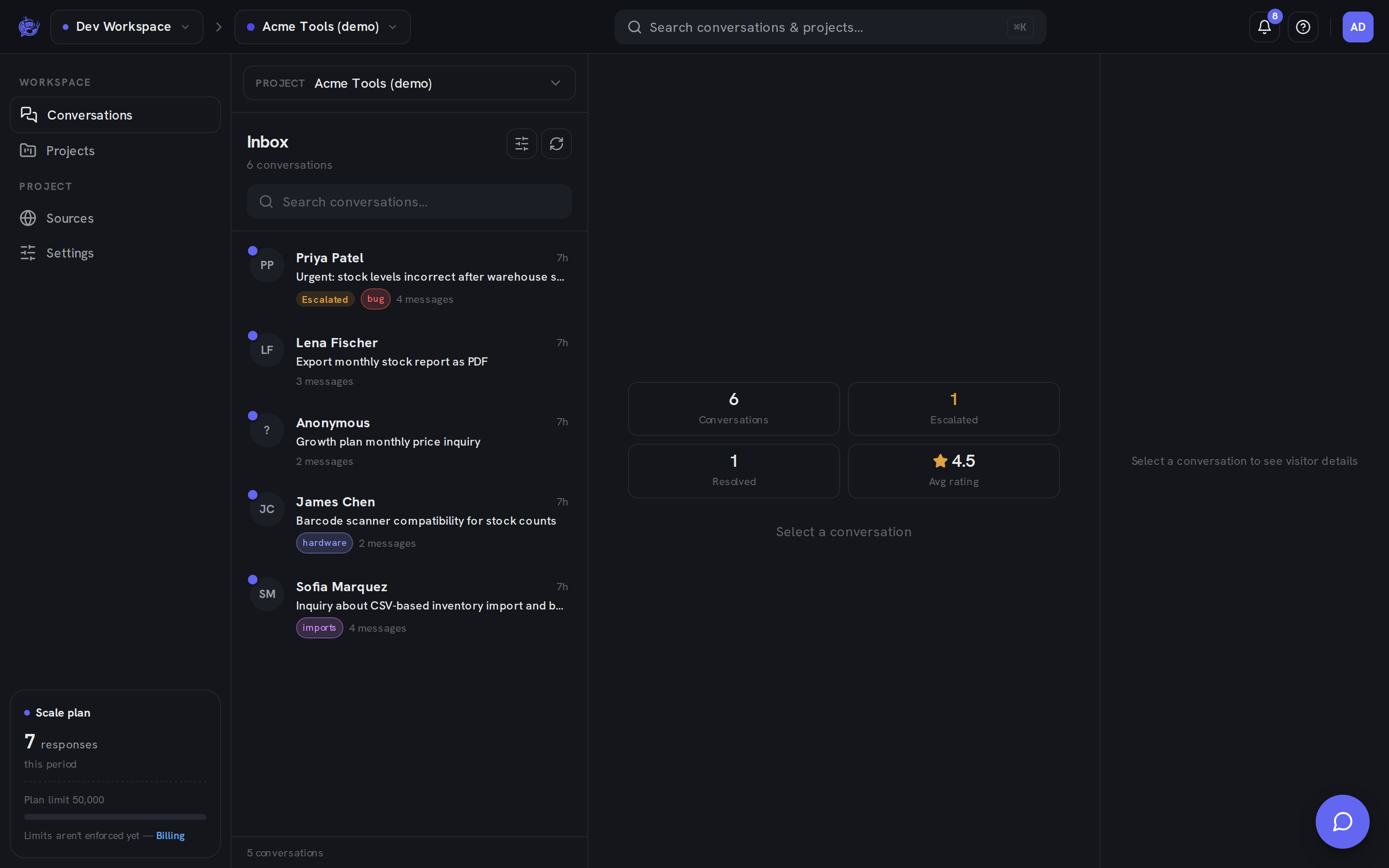
Triage without opening threads
The conversation list is built for scanning. Each row carries an AI-generated triage summary — a short recap of what the conversation is about, generated automatically (until one exists, the row shows the visitor's first message) — plus status badges (Escalated, Resolved), tag chips, and a message count. Open a thread and the same summary sits in the header, alongside a details panel with the visitor's contact info, CSAT rating, and tags.
The full triage workflow is covered in Inbox and Conversations.
Find anything
Three ways to get to the right conversation:
- Filters — narrow the list by status (Open, Resolved, Escalated) and by workspace tags; active filters show as a badge so a narrowed list is never a surprise.
- Full-text search — the inbox search box matches visitor names, emails, and message text across the whole project, live as you type.
- ⌘K command palette — press ⌘K (or Ctrl+K) anywhere in the dashboard to search every project in the workspace at once, and jump straight to a conversation or a project's settings.
See Search & command palette for the details.
Organize with tags
Tags are colored, workspace-level labels — "billing", "bug report", "VIP" — shared by every member. Any member can create and apply them; admins and owners can rename, recolor, or delete them for the whole workspace. Tags show as chips on inbox rows and double as a filter.
See Tags.
Stay on top of new activity
- Per-user unread state — each teammate has their own unread indicators: an unread conversation shows a dot and bold preview until you open it, independent of whether a colleague already read it.
- Notification bell — a workspace-wide feed of new conversations, escalations, and visitor replies, refreshed automatically while the dashboard is open. Click an entry to jump straight to the thread, whatever project it happened in.
See Notifications.
Close the loop
From the thread header you can Resolve a conversation once it's handled and Reopen it if the visitor comes back — visitors can also mark their own conversation resolved from the widget, and the inbox tells you which side closed it. Conversations can also be deleted entirely (with confirmation) — deleting requires the admin or owner role.
Roles
Every member has one role per workspace — owner > admin > agent — and the API enforces it server-side, deny by default. Agents work the inbox (read, reply, resolve, tag); admins additionally manage projects, knowledge, and tags; owners additionally control billing and the workspace itself. Permissions can't be bypassed by the UI.
See Workspaces & members for the full role table.
Learn more
- Inbox — the list, filters, search, and stats cards
- Conversations — the thread, replying, and promoting replies into knowledge
- Tags · Search & command palette · Notifications
- Escalation — how a conversation reaches the inbox as a human handoff