Notifications
The notification bell keeps a workspace-wide feed of new conversations, escalations, and visitor replies
The bell in the top bar collects recent activity from every project in your workspace — so you notice new conversations and visitor replies without keeping the Inbox open.
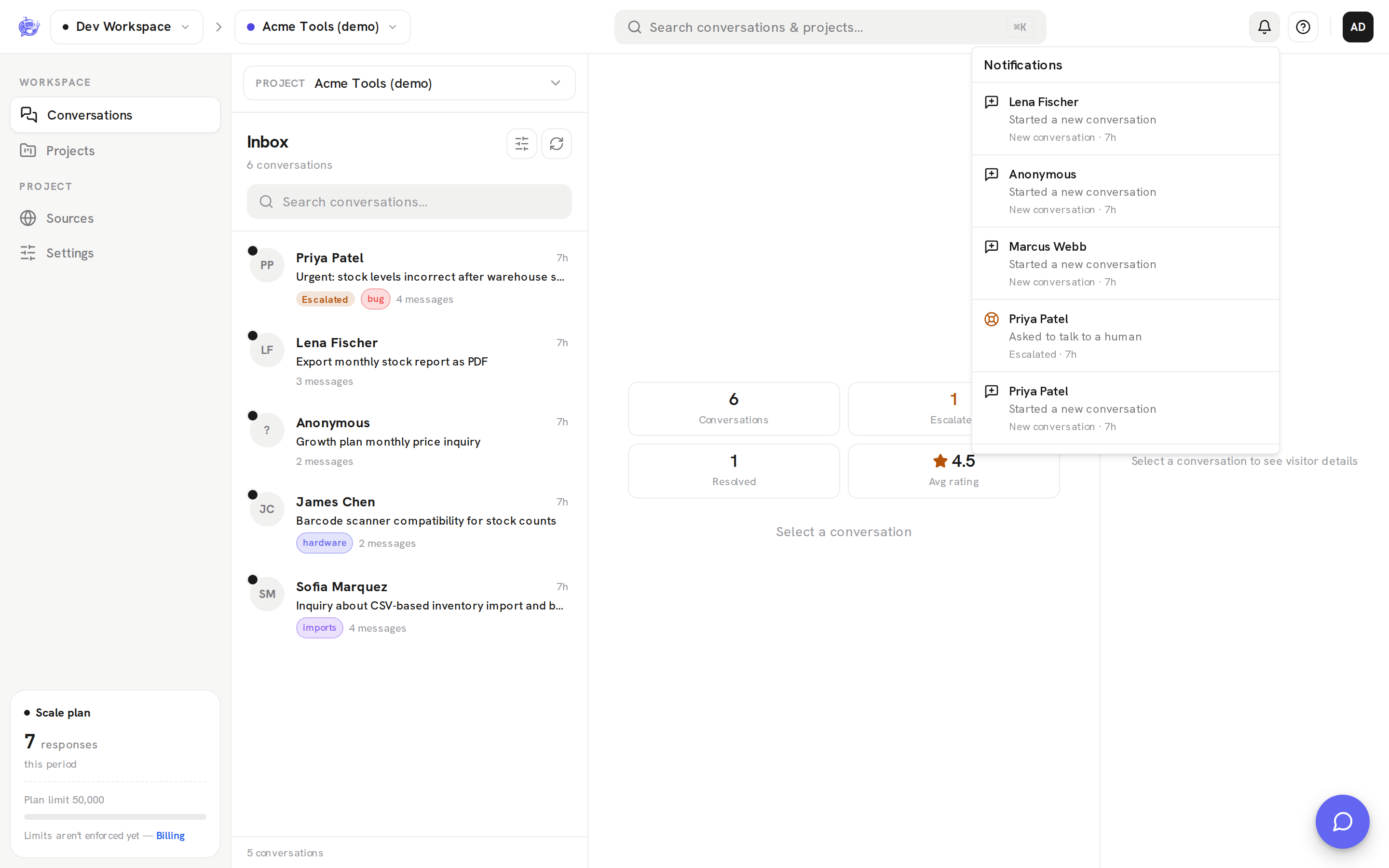
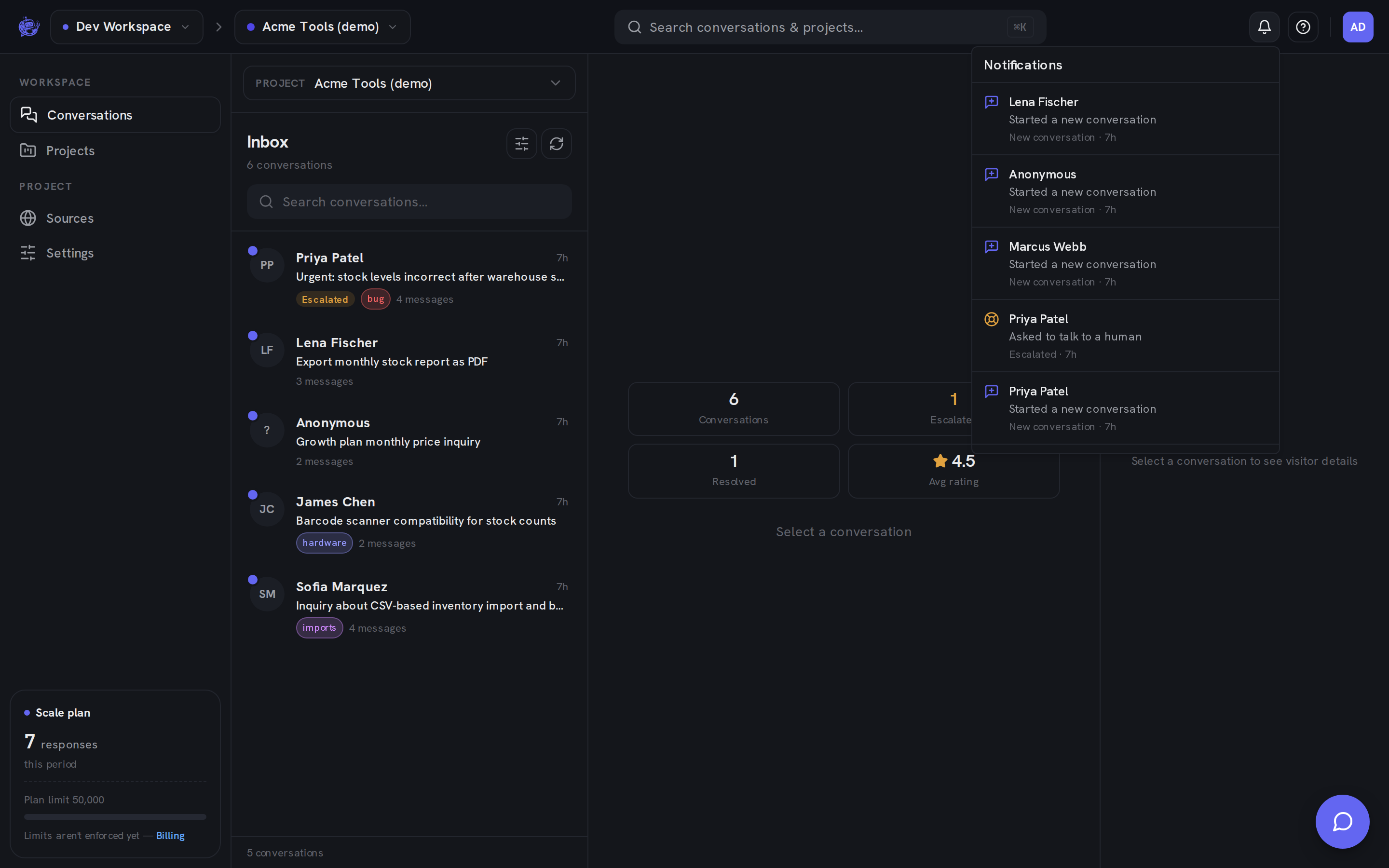
What lands in the feed
| Event | When it appears | | -------------------- | -------------------------------------------------------------------------- | | New conversation | A visitor starts a conversation with one of your agents | | Escalated | A conversation is handed off to your team (see Escalation) | | New message | A visitor sends a follow-up message in an existing conversation |
A visitor's opening message counts once, as the new conversation — it doesn't also show up as a new message.
Each entry shows the visitor's name (or "Anonymous"), a one-line preview (the message text for follow-ups), the event type, and how long ago it happened. The feed covers the last two weeks of activity; when nothing is new, it reads "You're all caught up".
The unread badge
Events you haven't seen yet add to the indigo badge on the bell (it caps at 9+). Inside the panel, unseen entries are marked with a dot next to the visitor's name.
The feed refreshes automatically about every 20 seconds while the dashboard is open, so the badge updates on its own — no reload needed.
Jumping to a conversation
Click any entry to open that conversation's thread in the Inbox. The right project is selected for you, so this works even if the event happened in a project other than the one you're currently viewing.
How read state works
Opening the panel marks everything in it as seen and clears the badge. A few things to know:
- Read state is per-browser. It's stored locally, not on the server — each teammate has their own unread count, and it doesn't sync across your devices or browsers.
- It's per-workspace. Switching workspaces switches to that workspace's own feed and unread count.
- Nothing slips through. Events that arrive while the panel is open still count as unread on the next refresh.
Notifications are a heads-up layer only — the per-conversation unread indicators in the Inbox are tracked separately, so clearing the bell doesn't mark conversations as read.