Account
Update your display name, jump to billing, switch themes, and delete your account
The Account page holds your personal settings — everything else in the dashboard is scoped to a workspace or project. Open it from the account menu (your avatar in the top-right corner) and choose Account, or go directly to https://app.clankersupport.com/settings/account.
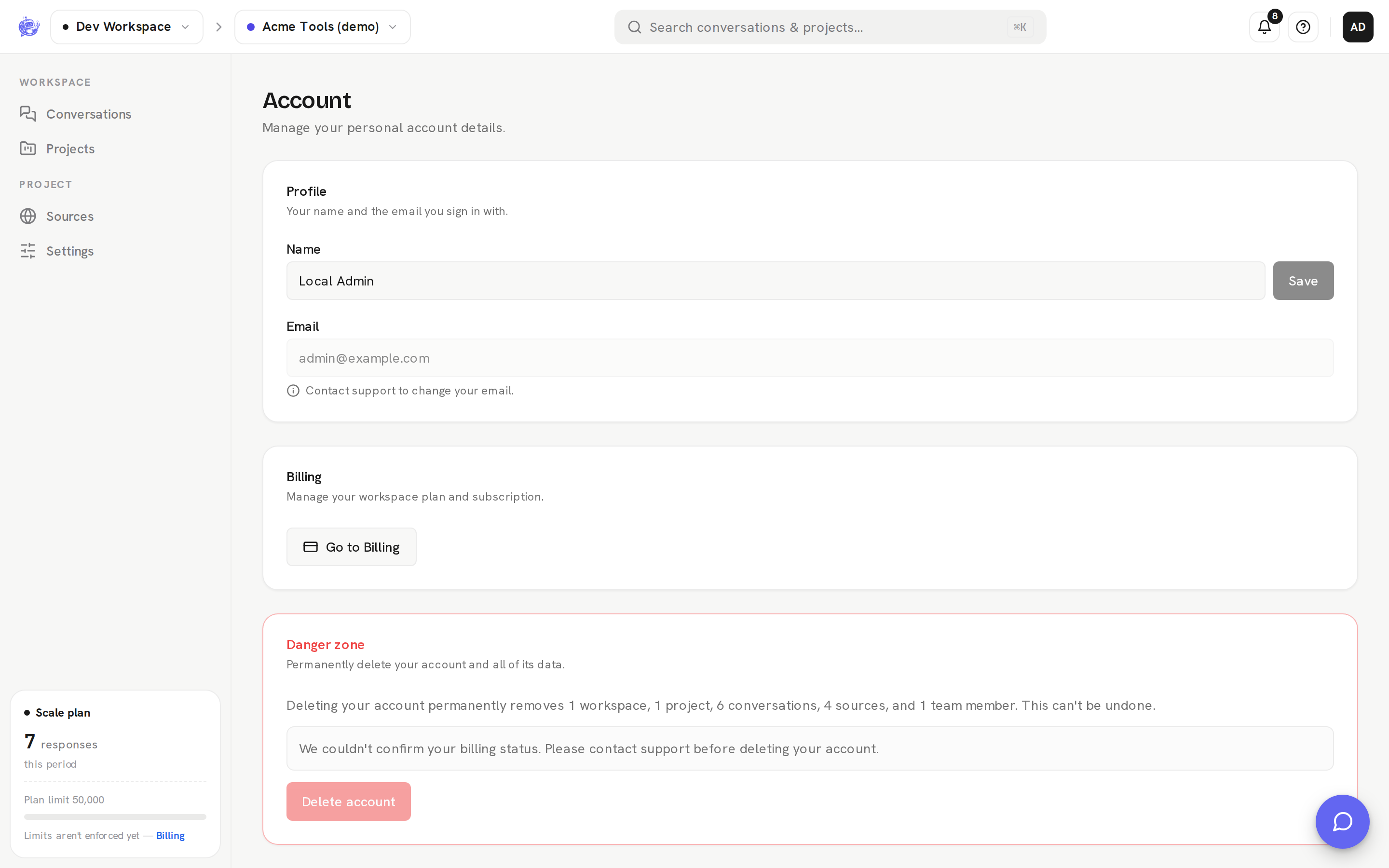
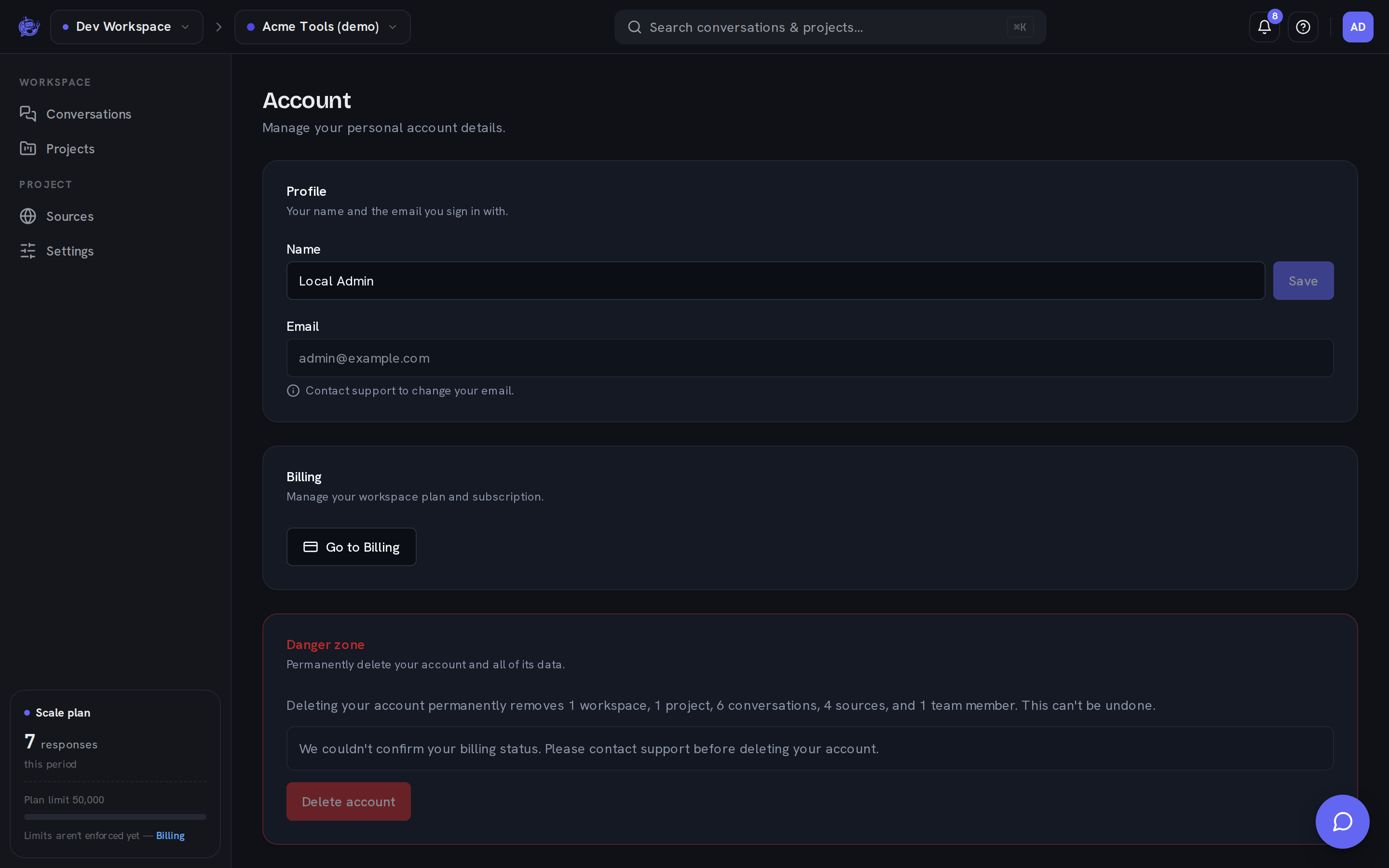
Profile
| Field | Description | | --------- | ----------------------------------------------------------------------- | | Name | Your display name. Edit it and click Save. | | Email | The address you sign in with. Read-only — contact support to change it. |
Billing
The Billing card is a shortcut to your workspace's plan and subscription. Click Go to Billing to open Billing, where you choose a plan, manage the subscription in Stripe, and track usage.
Appearance and signing out
Two account-level controls live in the account menu itself rather than on this page:
- Appearance — switch between Light, Dark, and System. The menu stays open while you flip themes so you can compare; the choice is saved per browser.
- Sign out — ends your session and returns you to the sign-in page.
The top of the menu shows the email and workspace role you're signed in with.
Danger zone
Delete account permanently removes your account and every workspace you solely own — all projects, conversations, messages, sources, tags, and usage history. The card spells out exactly what will be removed before you start. This cannot be undone.
To confirm, the dialog asks you to:
- Type your account email to confirm.
- Enter your password. If you signed in with Google or GitHub and never set a password, this step is skipped.
Deletion is blocked while either of these is true:
| Blocker | What to do | | ----------------------------------------------------- | ------------------------------------------ | | You share ownership of a workspace with another owner | Transfer or remove the other owner first. | | A workspace you own still has an active subscription | Cancel it from Billing first. |
Once the deletion succeeds, you're signed out and returned to the sign-in page.