Resolving conversations
Close the loop on finished conversations — resolve, reopen, or permanently delete them from the inbox
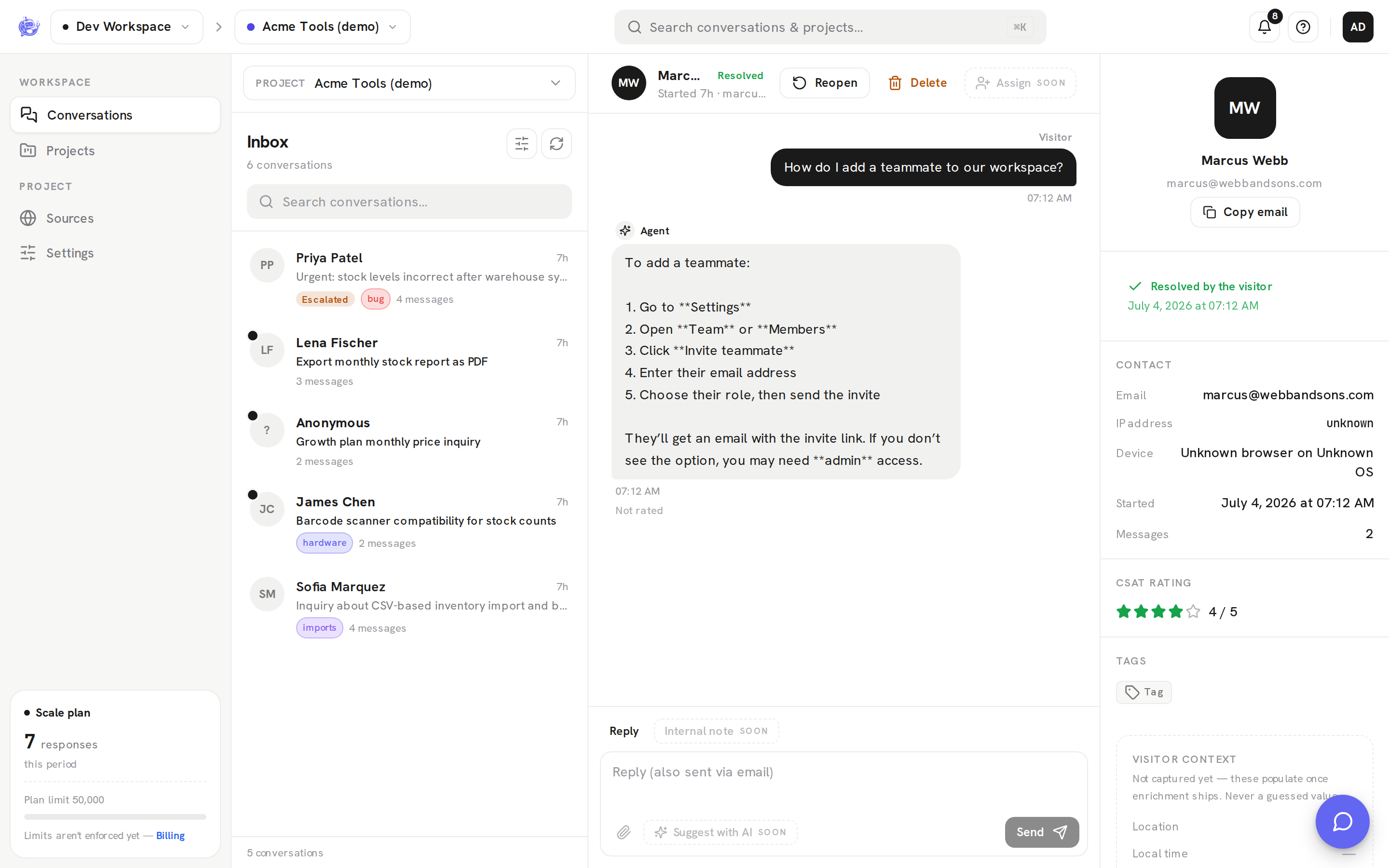
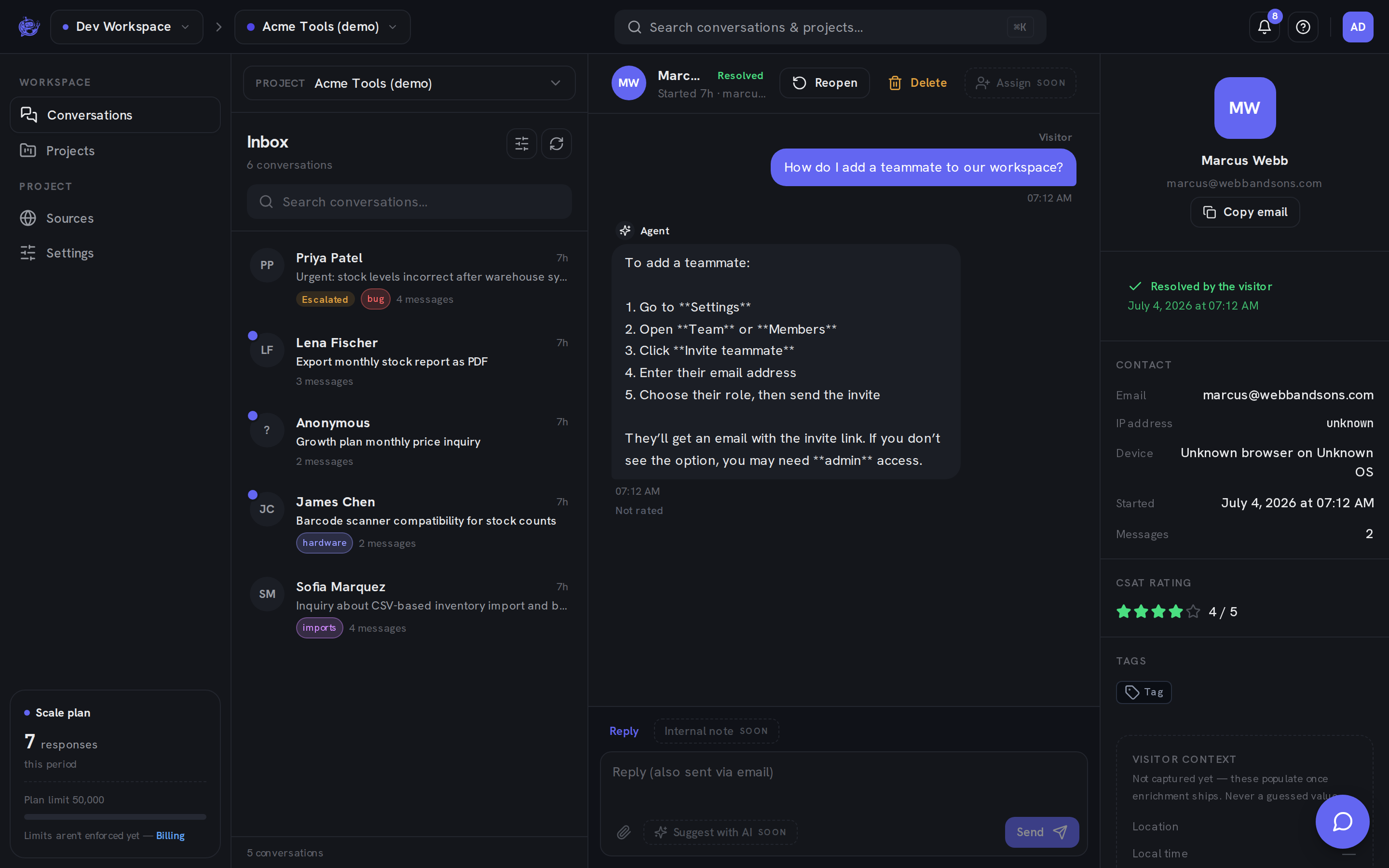
When a conversation is done, mark it resolved to clear it out of your open queue. Resolved is the inbox's closed state: resolved conversations drop out of the default Open view, show a green Resolved badge, and stay fully searchable — nothing is lost until you explicitly delete.
Resolve and reopen
Open a conversation in the Inbox and use the buttons in the thread header:
- Resolve closes the conversation. The status pill flips to Resolved and the row gets a green badge in the list.
- Reopen appears in the same spot on a resolved conversation and puts it back to Open.
You can resolve and reopen as many times as you like — it's a toggle, not a one-way door.
Finding resolved conversations
The list rail's Filters include a Status filter: Open (the default), Resolved, Escalated, and All. Switch to Resolved to review closed conversations, or All to see everything together.
On rows, the green Resolved badge takes precedence over the amber Escalated badge — a conversation that was escalated and later closed reads as resolved. The stats view (shown when no conversation is selected) also counts resolved conversations alongside totals and escalations.
Who resolved it
Visitors can close their own conversation from the widget when their question is answered, so resolutions come from two directions. The details panel's resolved banner tells them apart:
| Banner | Meaning | | --------------------------- | ------------------------------------------------------------ | | Resolved by the visitor | The visitor marked the conversation resolved from the widget | | Resolved by your team | A teammate clicked Resolve in the dashboard |
One exception: once a conversation has been escalated, the visitor can no longer resolve it — a human is handling it, so only your team can close it from the dashboard.
Deleting a conversation
Delete in the thread header permanently removes the conversation and all of its messages. A confirmation dialog asks first, because this can't be undone — unlike resolving, there is no way to bring a deleted conversation back.
Deleting requires the admin or owner role. If you just want a conversation out of the way, resolve it instead; it stays available for search, stats, and future reference.