Knowledge sources
Train your agent on website pages, text snippets, and Q&A pairs, and keep website snapshots fresh with Recrawl
Sources are what your agent answers from. Everything you add on this page becomes knowledge the agent can draw on in its replies. Select a project, then open Sources in the sidebar (or go to app.clankersupport.com/settings/projects/<id>/sources).
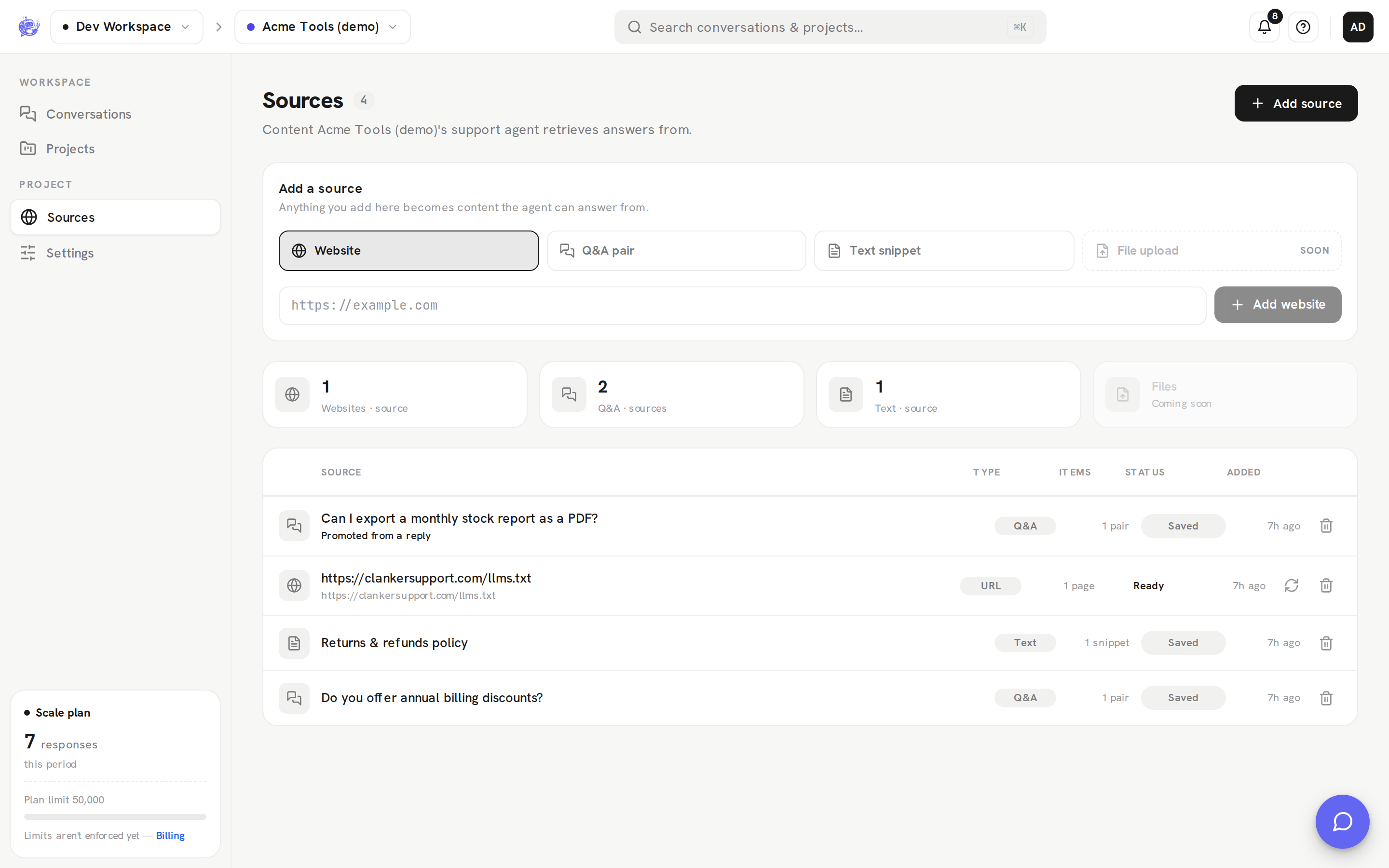
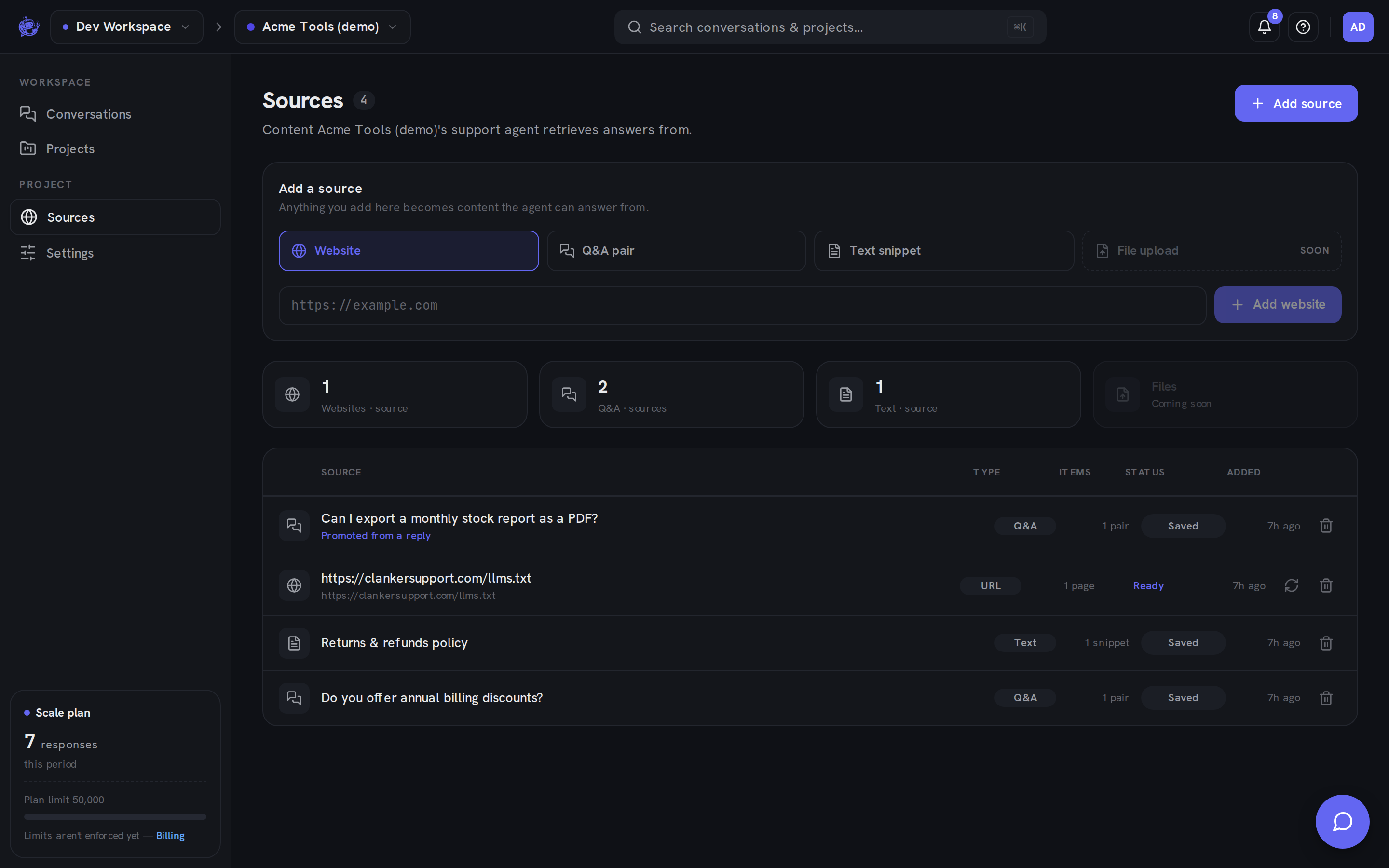
Adding a source
Pick a type in the Add a source card, fill in the form, and add it:
| Type | You provide | Good for | | ---------------- | -------------------------------------- | --------------------------------------------------------- | | Website | A page URL | Docs, FAQ, shipping or pricing pages you already maintain | | Q&A pair | A question and its answer | Precise answers to questions visitors ask often | | Text snippet | Free-form text, with an optional title | Policies or facts that don't live on a public page |
A fourth type, file upload, is marked coming soon in the UI.
Website sources are snapshots
A website source is fetched once, when you add it — and again only when you press Recrawl (the refresh icon on the row). It never updates on its own.
That means publishing new content on your site does not change what the agent knows. After you update a page the agent learns from, come back here and press Recrawl on that source to replace the stored snapshot with the current page.
Recrawl is also the fix for a Failed source: correct whatever blocked the fetch, then recrawl.
Status chips
Each row carries a status chip:
| Status | Meaning | | ----------- | ------------------------------------------------------------- | | Ready | The website was fetched successfully; its snapshot is in use | | Pending | A website source that hasn't completed its first fetch yet | | Failed | The last fetch errored — recrawl after fixing the page or URL | | Off | The source is disabled and not used in answers | | Saved | A Q&A pair or text snippet — stored as-is, nothing to crawl |
Only websites have a fetch lifecycle. Q&A pairs and text snippets are used exactly as you wrote them, so they always show Saved.
The source list
Once you have at least one source, rollup cards at the top count your Websites, Q&A, and Text sources by type.
Below them, each row shows the source's URL or title, a type badge, an items count (each source holds one item today — one page, one pair, or one snippet), its status chip, and when it was added. Website rows also get the Recrawl button.
Promoting a reply from the inbox
When you answer a visitor yourself, that answer is often worth teaching the agent. In the inbox, every teammate reply has an Add to knowledge button. It opens a dialog with the question (prefilled from the visitor's message) and the answer (prefilled from your reply), both editable. Saving creates a Q&A source in the project, and the button flips to In knowledge.
Sources created this way are tagged Promoted from a reply in the list, so you can tell curated answers apart from hand-written ones.
Deleting a source
Click the trash icon on a row to remove the source. Deletion takes effect immediately — there's no confirmation step — and the agent stops using that content for future answers. You can always add the same URL, pair, or snippet again.