Email threading
How team replies reach the visitor by email, and how their email replies thread back into the same conversation
Visitors don't always stay on your site waiting for an answer. When a visitor shares their email address, Clanker Support keeps the conversation alive over email: your replies go out to their inbox, and their replies come back into the same thread — chat and email stay one conversation, with no separate ticket to reconcile.
Replies reach the visitor both ways
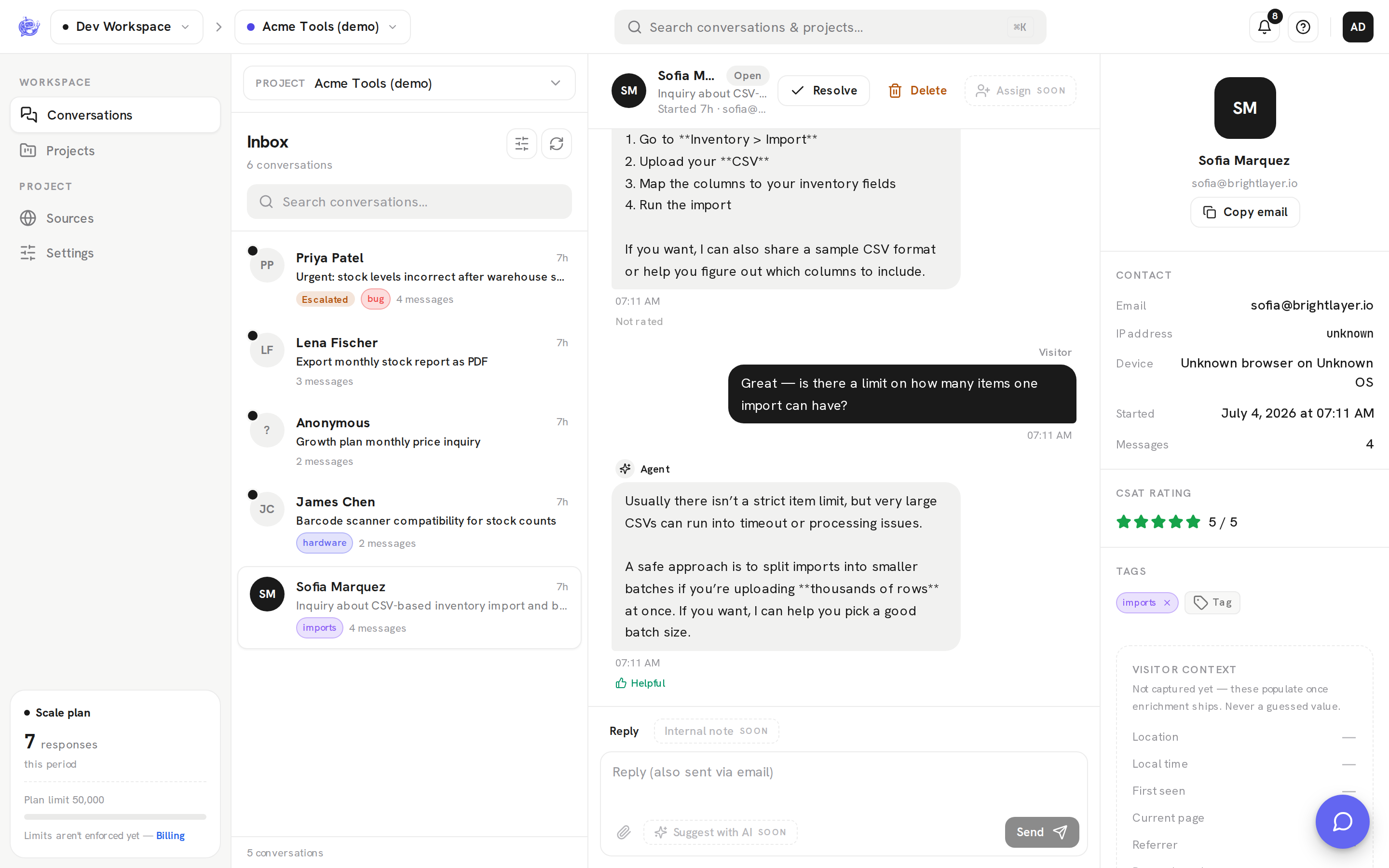
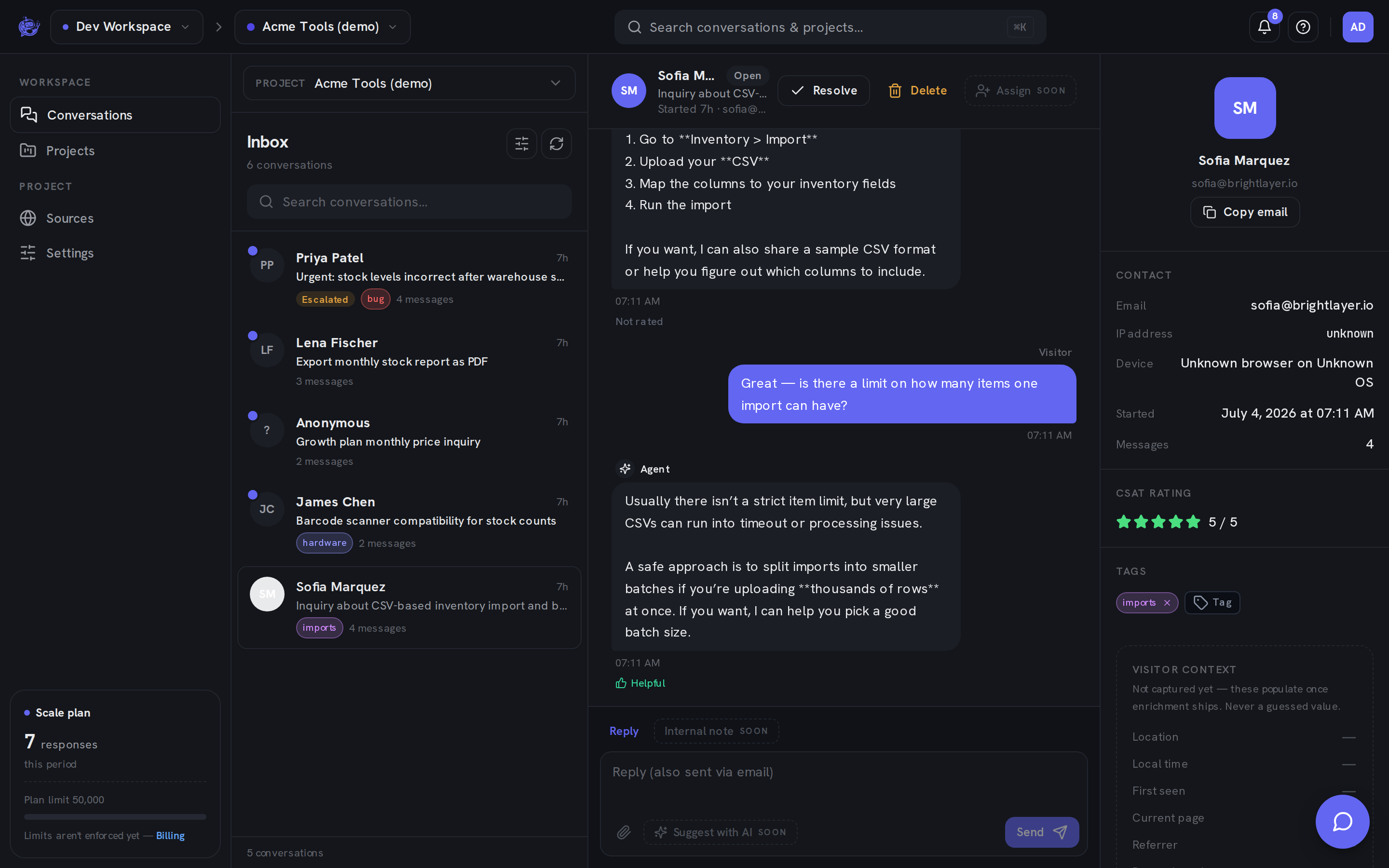
Reply from the inbox composer and your message always appears in the visitor's widget — it polls for new messages, so the reply shows up even mid-session. If the visitor shared an email address, the same reply also goes out by email, so they see your answer whether they're still on your site or long gone. The composer's placeholder tells you when a reply will also be emailed.
Visitor replies thread back automatically
When the visitor answers your email instead of returning to the widget, their reply lands back in the same conversation in your inbox — appended as a new visitor message, right where the thread left off.
Two mechanisms make the match:
- Reply address. Every project has its own reply address, and every outgoing email sets it as the Reply-To. When the visitor hits reply, their email routes straight back to the right project.
- Message-ID matching. Each outgoing reply carries a unique email Message-ID tied to the message it came from. When the visitor's reply references it (standard email threading, which mail clients do automatically), it's matched to the exact conversation. If that reference is missing, the sender's address is used as a fallback: the reply is threaded into their most recent conversation on that project.
The result: the visitor just replies to an email like they would to any other, and your team sees it in the inbox thread — no forwarding, no copy-pasting.
Escalation email keeps the thread alive
Escalation emails both sides, with different jobs:
- Your team's notification — sent to the project's notify address so a human knows to step in. Answer from the dashboard inbox (see Conversations) — your reply reaches the visitor in the widget and by email, with proper threading.
- The visitor's acknowledgement — a visitor who has shared an email address gets a confirmation that a human will follow up, and it seeds the email thread. Their reply to it threads back into the conversation automatically.
So a visitor who escalates and closes the tab loses nothing: your team's answer reaches them by email, and the back-and-forth continues in one thread.
Zero setup on hosted
On the hosted service there is nothing to configure — every project gets its reply address automatically, and outgoing email works out of the box. The only thing that gates email delivery is the visitor: replies go out by email only when they've shared an address (the widget asks for a name and an optional email before the conversation starts).
If you self-host, email threading needs a Resend account with an inbound domain configured — that powers both escalation notifications and reply threading.
Where to go next
- Conversations — reading a thread, replying, and how emailed replies appear in the dashboard.
- Escalation & human handoff — when and how a conversation reaches your team in the first place.