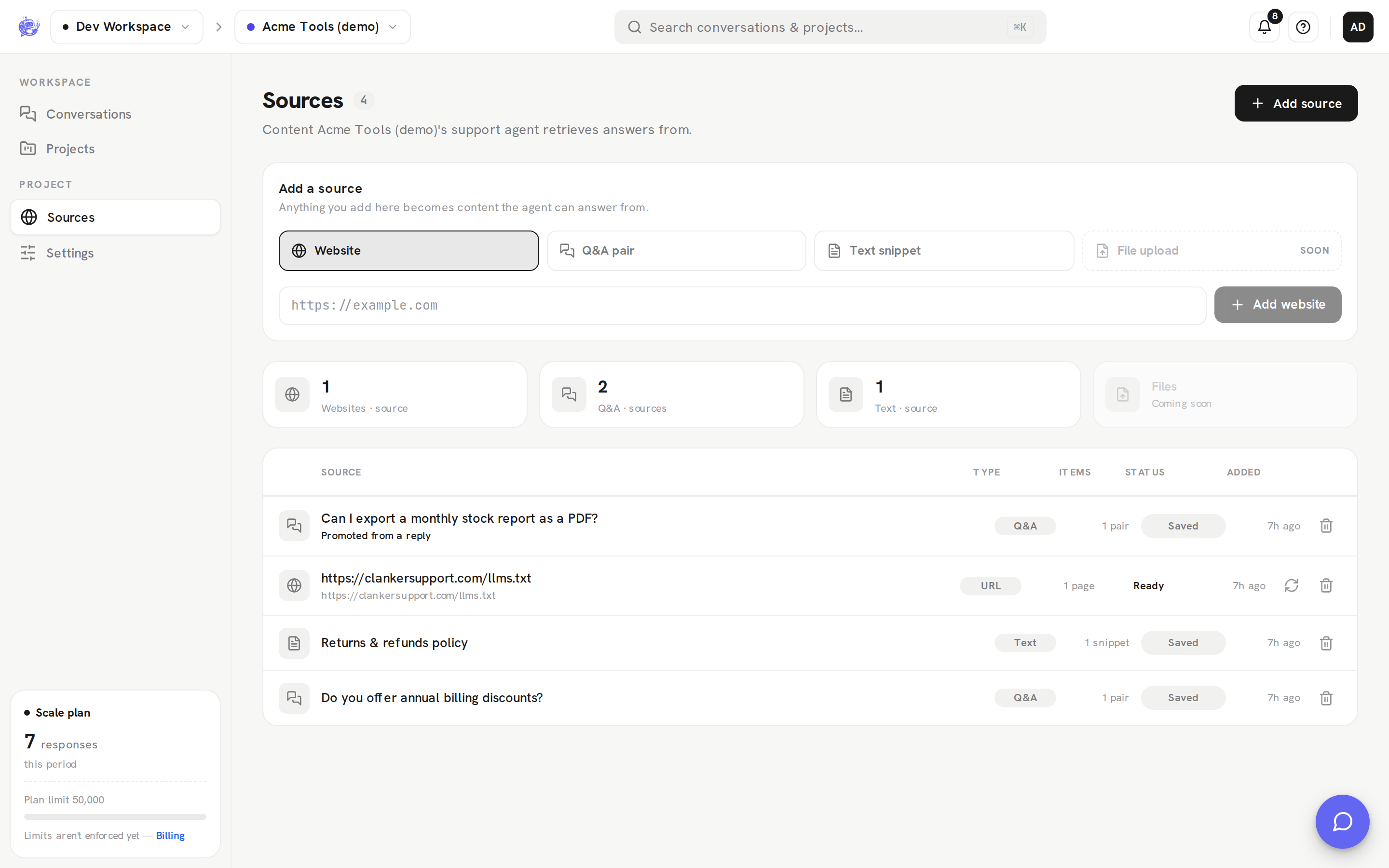
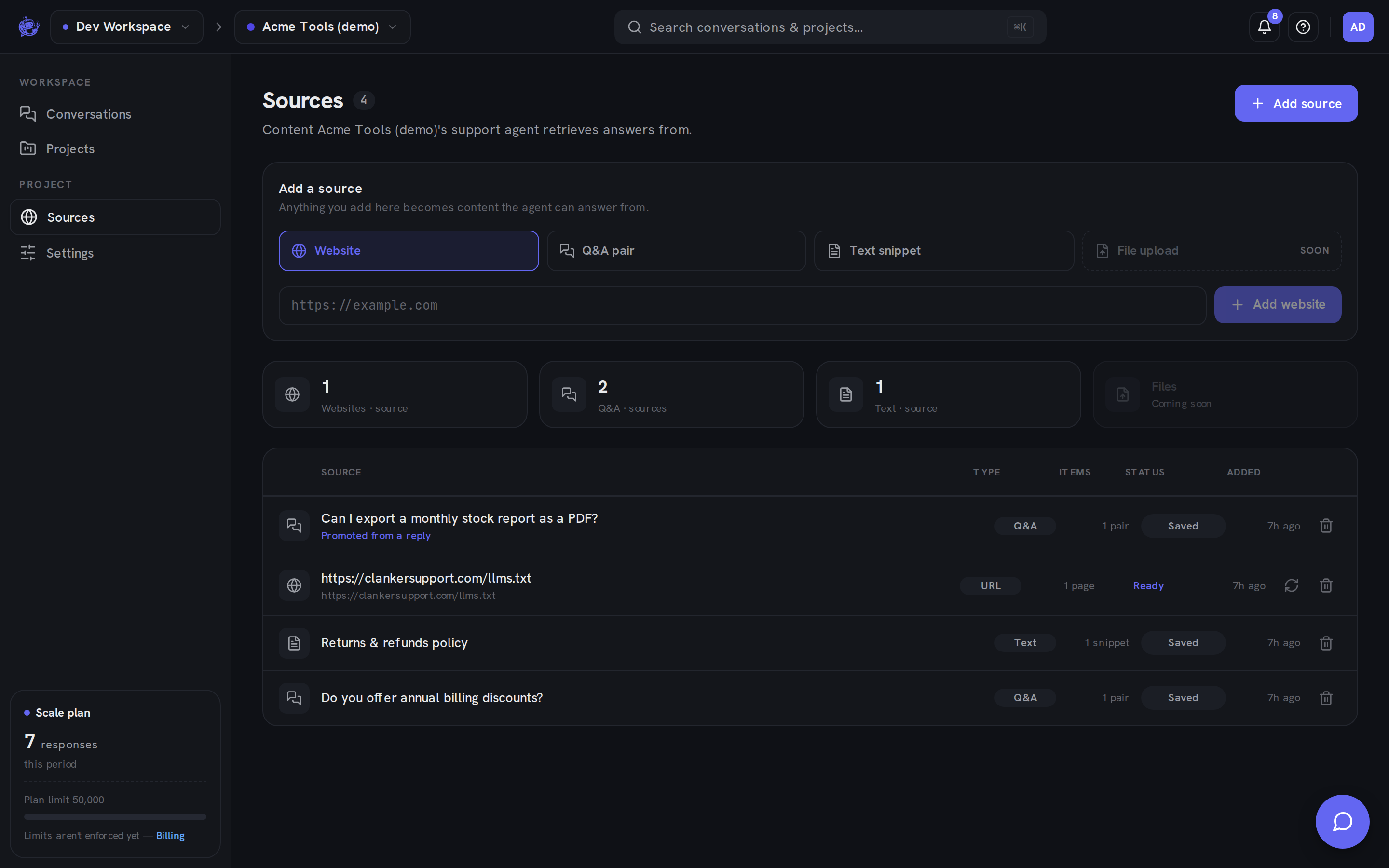
Knowledge sources
Teach the agent from your website pages, text snippets, and Q&A pairs — per project, refreshed on your terms
The agent answers from a knowledge base you build per project. Add the pages, policies, and answers that matter, and every reply the agent gives is grounded in that material — not just what the model happens to know.
Three kinds of sources
| Kind | You provide | Good for | | ---------------- | ------------------------- | ----------------------------------------------------- | | Website URL | A page URL | Docs, FAQs, pricing or shipping pages you already run | | Text snippet | Free-form text, any title | Policies or facts that don't live on a public page | | Q&A pair | A question and its answer | Precise answers to questions visitors ask often |
A fourth kind, file upload, is coming soon.
Each project has its own knowledge base, so separate sites or products get separately trained agents.
How grounding works
Every active source in the project feeds every answer, alongside the project's instructions (its system prompt). There's no separate indexing or training step — add a source and the very next conversation can draw on it; deactivate or delete one and the agent stops using it immediately.
The agent's answers, model choice, and instructions are covered in AI responses.
Website sources are snapshots
A website source is fetched once, when you add it. It does not track your live site — publishing changes to a page does not change what the agent knows.
To update the agent after you edit a page, press Recrawl on that source in the dashboard. Recrawl re-fetches the URL and replaces the stored snapshot with the current page. It's also the fix for a failed fetch: correct whatever blocked it, then recrawl.
Status at a glance
Every source carries a status chip in the dashboard:
- Ready — a website source fetched successfully; the snapshot is in use.
- Pending — a website source that hasn't completed its first fetch.
- Failed — the last fetch errored; fix the page or URL and recrawl.
- Saved — a text snippet or Q&A pair, stored exactly as you wrote it.
- Off — a deactivated source; it stops informing answers until you switch it back on.
Only website sources have a fetch lifecycle.
Turn good replies into knowledge
When a teammate answers a visitor in the team inbox, that reply is often worth teaching the agent. Every teammate reply has an Add to knowledge action: it pre-fills a Q&A pair — the visitor's question and your answer, both editable — and saves it as a source in the project.
Promoting the same reply twice never creates a duplicate, and sources created this way are labeled in the list so you can tell curated answers apart from hand-written ones. Any workspace member can promote a reply; adding and editing other sources is for admins and owners.
Manage sources in the dashboard
The full walkthrough — adding each source type, the source list, Recrawl, and deletion — is in Knowledge sources in the dashboard, and the promote flow is part of the inbox workflow.